
Google Business and Google Maps profiles for dental clinics in Tenerife
When someone searches for “dentist near me” or “emergency dentist” in Tenerife, they rarely open the clinic’s website first: they look at the Google Maps block. That is where they decide, in seconds, who to call — using whatever information Google holds, current or not. We review that profile and put it in order so it reflects the actual clinic.
Why it matters
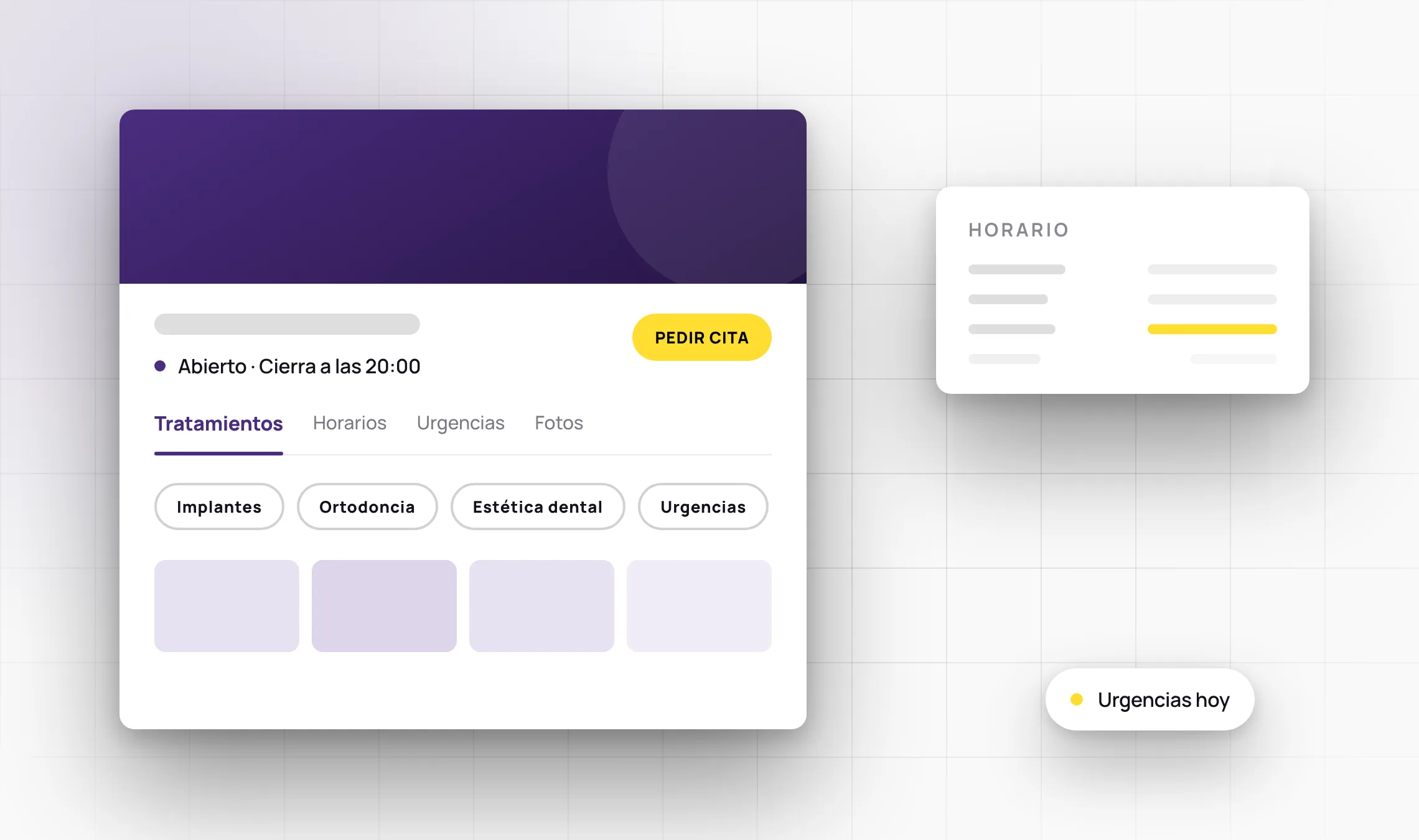
The Google Business profile is now the front door for most new patients at a dental clinic. It carries the opening hours, the phone number, the photos, the reviews and — increasingly — the list of treatments. Many clinics in Tenerife set that profile up years ago: the hours are no longer theirs, emergency cover isn’t flagged, the photos are from before the last refit, and half the treatments never made it onto the listing. The patient has no way of knowing the information is old; they assume it is current.
Our job here is deliberately narrow. We audit the whole profile, add the treatments using the terms people genuinely search for, fix opening hours and public holidays, flag emergency cover if the clinic offers it, replace outdated photos and point the booking link where it should point. The clinic reviews every piece of copy before it goes live, because health information is the practitioner’s responsibility, not the agency’s.
We don’t promise rankings or timescales: approving changes is Google’s decision, and the order of the local map depends on factors no supplier controls. What we do guarantee is that the information a patient sees is correct and complete — the part that is genuinely in your hands.
- Patients find what they’re looking for. The treatments you offer, listed the way people actually search for them.
- Fewer missed calls. Up-to-date hours and emergency cover stop patients calling when you’re closed.
- A clear route to the appointment. The booking or contact link, right where the decision is made.
What's included
- Full audit of the clinic’s Google Business profile
- Adding and ordering the treatments the clinic actually offers
- Opening hours, public holidays and special emergency hours
- Replacing outdated photos of the premises and the team
- Booking link or contact form correctly configured
- Review of the profile’s primary and secondary categories
- Check that phone, address and name match the rest of your directory listings
- Final verification of the result in Google Search and Google Maps
Service area
We work with clinics across Tenerife, remotely or on site when photos need taking at the practice itself.
Frequently asked questions
Can you guarantee the clinic ranks first on Google Maps?
No. Nobody can: the order of the local map depends on factors no supplier controls. What we do is leave the profile complete and correct, which is the part that can actually be worked on.
Who decides the treatment copy?
We draft it and the clinic reviews it before publication. Health information is the practitioner’s responsibility.
How long does Google take to approve changes?
That depends on Google and varies by type of change. We can’t commit to a deadline, but we will tell you as soon as the changes are live.
Do you need access to the clinic’s profile?
Yes, we need manager access to the Google Business profile. You don’t need to hand over anyone’s personal credentials.
Request a review of your clinic’s profile
Tell us about your case and we'll tell you how we do it and what you need.
Other local services
You may also be interested in